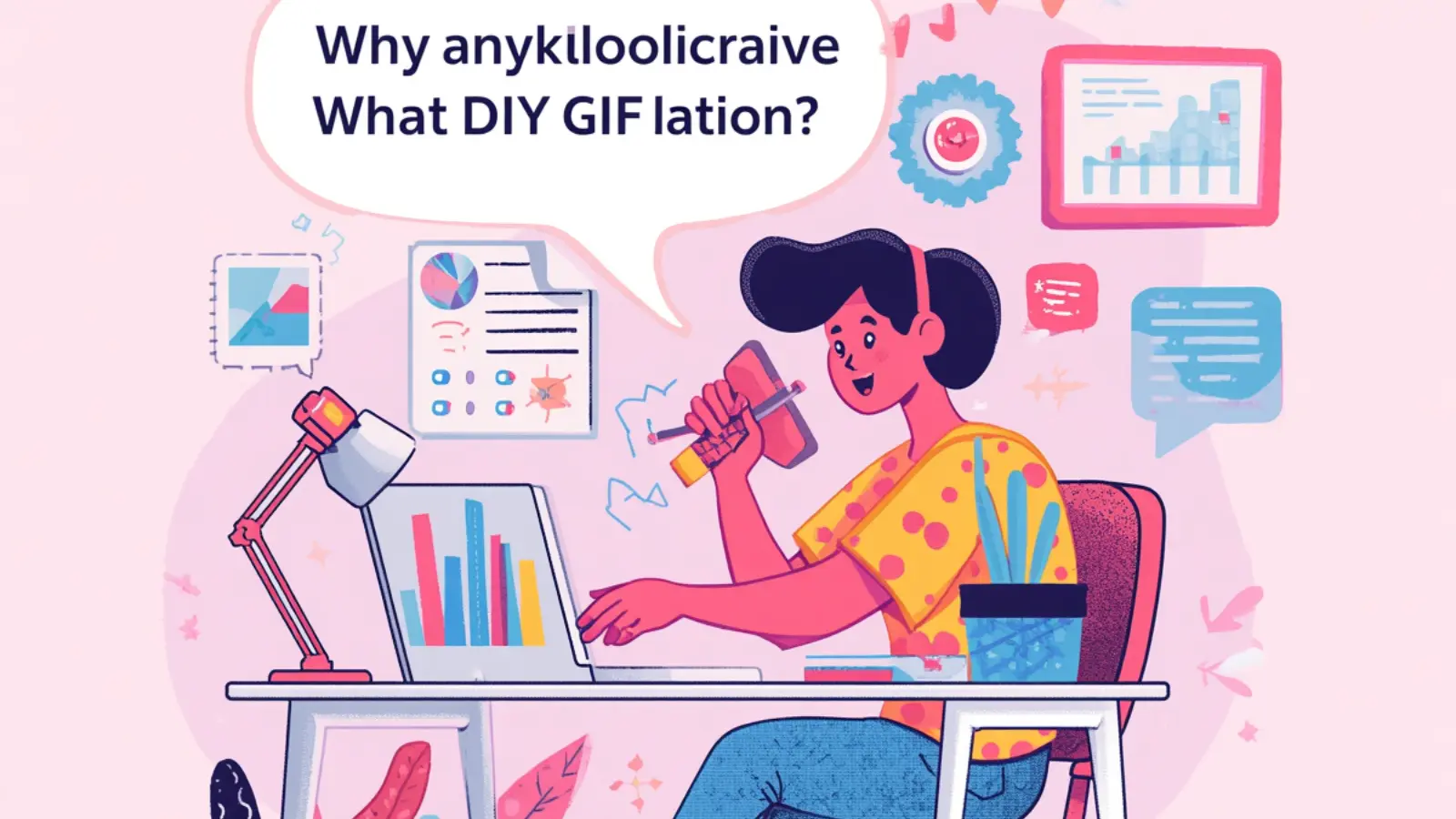
Adding a caption to a GIF means placing short, readable text directly onto a looping animated image so the motion and message work together.
This simple step turns a plain moving clip into a clear joke, tip, story, or call to action that performs better on Instagram, messaging apps, and social feeds. The result is higher engagement rate, stronger visibility, and more shares without needing extra video editing skills.
Social media growth lives or dies on attention. A silent GIF often gets scrolled past. A well-captioned one stops the thumb, delivers instant context, and invites reaction.
Below you will find twelve fresh angles that go far beyond basic tutorials. Each section delivers twelve practical, value-packed points you can apply today.
Unlocking Silent Motion Through Precise Word Placement
- Place the caption where the eye naturally rests during the first loop so viewers absorb the message before the animation repeats.
- Keep the text block away from the busiest motion zone to prevent visual competition between movement and words.
- Use high-contrast colors that remain readable even when the GIF background shifts rapidly.
- Align captions with the emotional peak of the animation for stronger memory retention.
- Test placement on both light and dark mode feeds because Instagram and other platforms render differently.
- Leave breathing room around the text so the caption feels intentional rather than cramped.
- Position calls to action near the bottom edge where thumbs rest during vertical scrolling.
- Mirror the direction of the main motion so the caption feels connected rather than stuck on top.
- Avoid covering faces or key objects that carry the story of the GIF.
- Adjust for safe zones on Instagram Stories and Reels so nothing gets cut by platform UI.
- Preview the full loop several times to confirm the caption stays clear through every frame.
- Treat placement as part of the creative decision, not an afterthought added at the end.
Timing Text Reveals to Match the Rhythm of the Loop
- Reveal the caption a fraction of a second after the strongest visual beat so the brain links motion and meaning.
- Hold the text long enough for average reading speed without forcing viewers to pause the GIF.
- Fade captions in and out gently when the animation already contains soft transitions.
- Match caption duration to the natural pause points inside the looping action.
- Use staggered text for multi-line captions so each phrase arrives at the right moment.
- Avoid instant full-text dumps that overwhelm the first viewing cycle.
- Sync punchline captions with the final frame of a joke sequence for maximum effect.
- Time educational captions to appear when the demonstration gesture is clearest.
- Keep brand slogans visible throughout the entire loop for repeated exposure.
- Test timing on slower mobile connections where frame rates may drop.
- Adjust for cultural reading speeds if your audience spans multiple regions.
- Treat timing as a storytelling tool that controls how information lands.
Choosing Font Styles That Survive Fast Motion
- Select bold, clean sans-serif fonts that remain legible even when the background moves quickly.
- Limit decorative fonts to short, high-impact words so readability never suffers.
- Size text large enough for mobile screens yet small enough not to dominate the entire frame.
- Maintain consistent font families across a series of GIFs to build visual brand recognition.
- Pair font weight with the energy of the animation—thicker for bold moments, lighter for subtle ones.
- Avoid thin scripts that disappear against detailed or colorful backgrounds.
- Use all-caps sparingly and only for short commands or reactions.
- Check letter spacing so characters do not blur together during rapid loops.
- Match font personality to the emotion the GIF already carries.
- Test readability at thumbnail size because many users first see the GIF in a feed grid.
- Keep secondary text smaller and less prominent so hierarchy stays clear.
- Update fonts occasionally to stay aligned with current platform trends without chasing every fad.
Crafting Captions That Speak the Language of Instagram Reels
- Write captions that complete the visual story rather than simply describing what is already visible.
- Use conversational tone that feels like a friend talking, not a billboard shouting.
- Include one clear emotion or reaction word that matches the GIF energy.
- Keep the primary message under twelve words for instant comprehension.
- Weave in subtle Instagram captions style that encourages comments and shares.
- End with a soft question when you want replies and higher engagement rate.
- Reference current trends only when they genuinely fit the animation.
- Avoid overused phrases that make the caption feel recycled.
- Speak directly to the viewer with “you” language for personal connection.
- Balance humor with clarity so the joke never requires a second explanation.
- Align caption voice with your overall brand personality across posts and Reels.
- Refresh caption approaches regularly so your content never feels formulaic.
Balancing Humor and Clarity Inside Moving Frames
- Lead with the funny line only when the visual setup already primes the joke.
- Keep the punchline short so it lands before the loop restarts.
- Pair dry humor with deadpan animations for stronger contrast.
- Use self-aware captions that acknowledge the GIF format itself.
- Avoid inside jokes that leave new audience members confused.
- Test the humor with people outside your usual circle before publishing.
- Let the animation carry most of the comedy while the caption sharpens it.
- Switch to sincere captions when the GIF shows genuine emotion or vulnerability.
- Combine light sarcasm with clear calls to action for shareable posts.
- Watch engagement rate data to learn which humor styles perform best with your followers.
- Never force a joke that fights against the natural tone of the motion.
- Treat humor as a tool for connection rather than pure entertainment.
Elevating Brand Voice Across Every Captioned Loop
- Develop a short list of signature phrases that appear only in your GIFs.
- Match caption tone to the product or service personality without sounding salesy.
- Use consistent color and font rules so branded GIFs are instantly recognizable.
- Insert subtle product mentions only when they feel natural inside the story.
- Create series of related GIFs that share caption style for stronger campaign impact.
- Align captions with seasonal or cultural moments your brand already owns.
- Avoid corporate jargon that breaks the casual flow of most GIF consumption.
- Let customer language inspire captions so the voice feels authentic.
- Protect brand safety by reviewing every caption against potential misreads.
- Track visibility metrics specifically for captioned versus uncaptioned brand GIFs.
- Refresh brand caption templates every few months to prevent staleness.
- Train team members on the same voice guidelines so quality stays consistent.
Measuring Real Gains in Engagement Rate and Visibility
- Compare save rates and shares between captioned and plain versions of the same GIF.
- Watch comment quality as a signal that captions sparked genuine conversation.
- Track average watch time or loop completions when possible on supported platforms.
- Note changes in profile visits after posting strongly captioned GIFs.
- Measure hashtag performance when relevant tags appear near or inside the caption area.
- Observe how captions affect the speed of early engagement in the first hour.
- Segment data by audience type to see which groups respond best to text overlays.
- Use A/B style testing with slight caption variations on similar animations.
- Record long-term reach differences to understand cumulative visibility benefits.
- Pair quantitative numbers with qualitative feedback from loyal followers.
- Adjust future caption strategies based on clear performance patterns rather than guesses.
- Celebrate small wins publicly to reinforce the value of thoughtful text additions.
Avoiding Placement Mistakes That Kill Readability
- Never cover the main action or the most expressive part of the face.
- Steer clear of busy patterns that make text vibrate or disappear.
- Reject low-contrast color combinations that fail under bright outdoor light.
- Skip captions that require zooming or pausing to understand.
- Eliminate text that sits too close to platform interface elements.
- Remove overly long sentences that force multi-loop reading.
- Avoid stacking multiple text blocks that create visual clutter.
- Stop using drop shadows that fight against the animation lighting.
- Reject captions that change meaning when the GIF loops back to the start.
- Eliminate cultural references that only a small portion of the audience will catch.
- Avoid placing important words near the edges where cropping may occur.
- Never publish without checking the caption on both phone and desktop views.
Weaving Hashtags and Soft CTAs Into the Caption Layer
- Place one relevant hashtag in a secondary text line when space allows.
- Keep the primary message free of hashtags so the core idea stays clean.
- Use soft CTAs such as “tag a friend who needs this” rather than hard sells.
- Match CTA energy to the emotional tone of the GIF itself.
- Rotate CTA styles to discover which phrases drive the most comments.
- Include a subtle “save this for later” prompt on educational GIFs.
- Avoid stuffing multiple hashtags that turn the caption into a keyword list.
- Test whether CTAs perform better at the beginning or end of the text.
- Align hashtags with current Instagram Reels discovery patterns.
- Keep CTAs short enough to read in one glance during the loop.
- Use CTAs that encourage authentic interaction instead of empty engagement.
- Review past posts to identify the CTA patterns that already work for your audience.
Personalizing Captions to Build Real Audience Connection
- Reference shared experiences your followers have mentioned in comments.
- Speak to specific life stages or challenges your community faces.
- Use inclusive language that welcomes both new and long-time viewers.
- Celebrate small wins that match the celebratory mood of certain GIFs.
- Acknowledge seasonal feelings without forcing holiday themes.
- Mirror the exact words your audience uses in their own captions.
- Create captions that feel like private messages rather than public announcements.
- Leave room for personal interpretation so viewers can see themselves in the message.
- Adjust tone for different audience segments when you post multiple versions.
- Respond to comments with the same voice used in the original caption.
- Build series of personalized GIFs that create ongoing conversation.
- Measure connection through reply depth rather than simple like counts.
Optimizing Length and Layout for Mobile-First Viewing
- Limit primary captions to one or two short lines for easy scanning.
- Use line breaks strategically so each phrase feels complete on its own.
- Design for vertical formats first because most GIF consumption happens on phones.
- Keep total character count low enough for the entire message to fit without scrolling.
- Test how the caption looks in both full-screen and feed thumbnail sizes.
- Prioritize the most important word or phrase at the start of the text.
- Avoid justified alignment that creates uneven gaps on narrow screens.
- Leave margin space so the caption never feels squeezed against the edges.
- Choose layouts that remain balanced when the GIF is shared to Stories.
- Confirm that secondary text remains readable at reduced opacity if used.
- Adjust for different phone screen ratios common among your audience.
- Revisit length rules whenever platform interface changes affect available space.
Building a Sustainable System for Ongoing Caption Excellence
- Create a simple checklist that covers placement, timing, font, and tone before every publish.
- Maintain a living swipe file of high-performing captioned GIFs for quick inspiration.
- Schedule regular reviews of engagement rate data to refine the system.
- Train collaborators on the same standards so quality stays high across the team.
- Archive unsuccessful attempts to avoid repeating the same mistakes.
- Experiment with one new variable at a time rather than changing everything at once.
- Set realistic production goals that allow time for thoughtful caption work.
- Celebrate process improvements as much as individual viral posts.
- Stay curious about emerging caption styles without abandoning proven approaches.
- Protect creative energy by batching caption writing during focused sessions.
- Keep the system flexible enough to adapt when platform algorithms shift.
- Treat every new GIF as both a content piece and a chance to strengthen the overall method.
Conclusion
Adding a caption to a GIF is no longer optional for anyone serious about social growth. The right text turns silent motion into clear communication, lifts engagement rate, improves visibility, and gives Instagram Reels and feed posts a competitive edge.
Use the twelve approaches above as a practical playbook. Start with one GIF today, apply three or four of the points that fit, and watch how the added words change the response. Then refine, measure, and repeat. Your next captioned loop could be the one that finally stops the scroll and starts the conversation.

Zayden Cross specializes in creating bold, viral-ready captions that instantly grab attention. His writing style blends modern trends with strong emotional hooks, making content highly engaging. Perfect for users looking to stand out on social media.