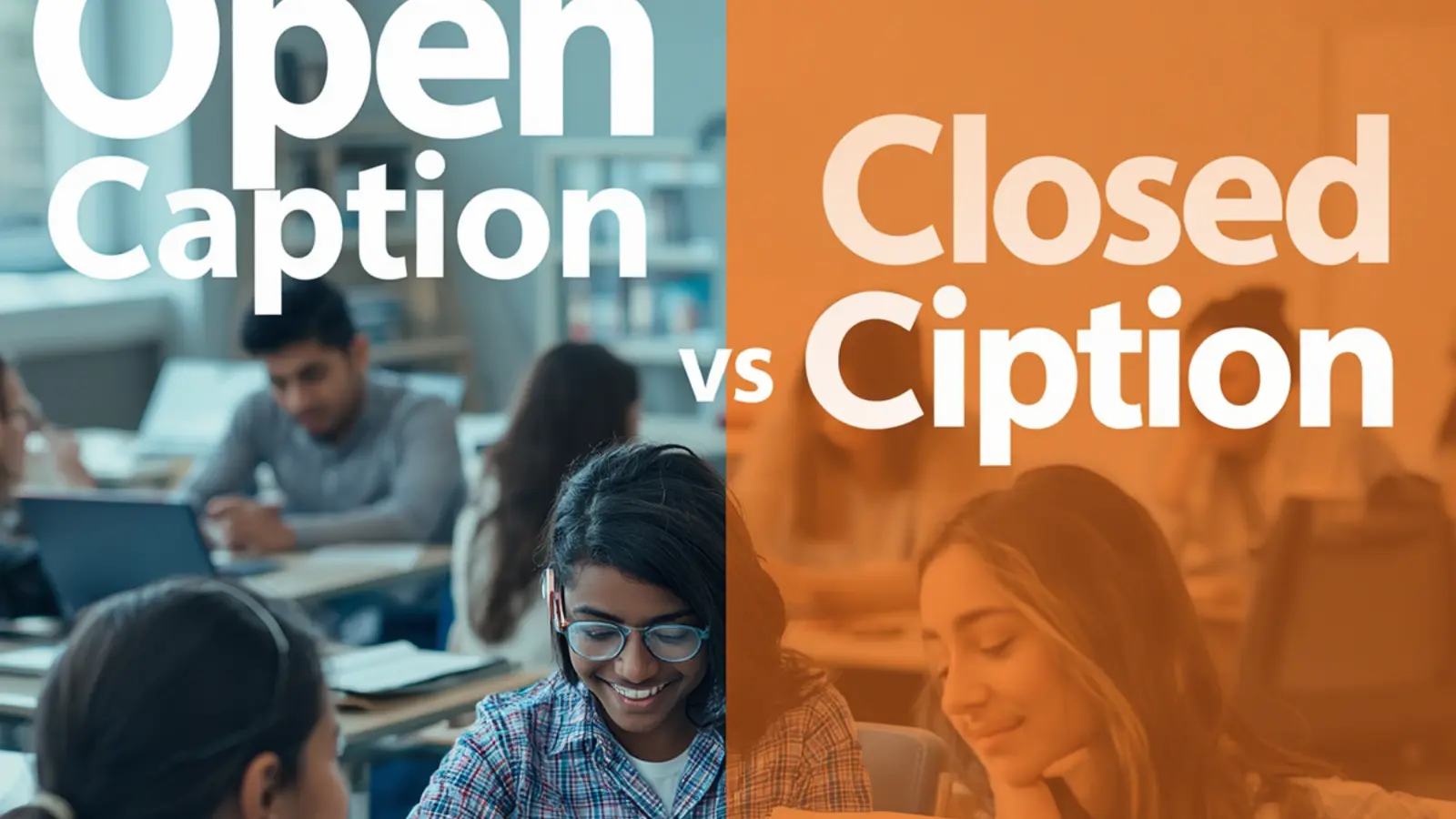
Open caption vs closed caption refers to two distinct ways of displaying text on video content. Open captions stay permanently burned into the footage and remain visible to every viewer at all times.
Closed captions can be switched on or off by the audience and usually appear as a separate track that includes dialogue plus sound cues. Understanding this difference helps creators improve accessibility, engagement rate, and visibility on platforms like Instagram Reels.
In the fast-moving world of short-form video, choosing the right caption style can mean the difference between content that gets scrolled past and content that holds attention, drives comments, and climbs the algorithm. Accessibility is no longer optional.
Viewers watch muted Reels while commuting, scrolling in quiet spaces, or multitasking. Clear, readable text turns those silent views into meaningful interactions.
This guide breaks down the practical realities of open caption vs closed caption for social media growth. You will find actionable points under each section that help you decide which format fits your Reels, Stories, and longer clips so you can raise engagement rate and expand reach without guesswork.
Why Permanent Text Layers Change Viewer Behavior on Short Videos
- Permanent text removes the friction of hunting for a closed-caption button on small phone screens.
- Viewers who watch with sound off immediately understand dialogue and context without extra taps.
- Open captions create a consistent visual brand element that can reinforce your style across every Reel.
- Permanent layers force tighter editing because the text occupies screen real estate the entire time.
- They improve completion rates when the caption itself becomes part of the storytelling rhythm.
- Audiences with hearing differences gain full access without needing to enable anything.
- Algorithm signals strengthen when more people finish the video and leave comments about the on-screen text.
- Open captions work offline or in low-bandwidth situations where closed-caption tracks may fail to load.
- They reduce drop-off in the first three seconds by delivering meaning instantly.
- Creators can style fonts, colors, and placement to match brand guidelines without relying on platform defaults.
- Permanent text helps non-native speakers follow along more easily in global feeds.
- The fixed nature of open captions encourages clearer, shorter phrasing that feels more conversational and shareable.
How Toggleable Subtitles Shape Accessibility Choices for Creators
- Toggleable subtitles give hearing viewers the freedom to watch without visual clutter.
- Closed captions support detailed sound descriptions such as music cues or ambient noise that open captions rarely include.
- Platforms can auto-generate closed captions, saving time for high-volume Reel creators.
- Viewers who prefer clean visuals can keep captions off while still having the option available.
- Closed captions allow multilingual tracks so the same video serves different language audiences.
- They integrate with device accessibility settings already used by many people.
- Creators can update or correct closed-caption files after publishing without re-exporting the entire video.
- Toggleable text protects the original visual composition designed by the creator.
- Closed captions often appear larger or more readable on certain devices because the system controls sizing.
- They help meet formal accessibility guidelines required by some brands and institutions.
- Engagement rate can rise when captions are accurate because more people understand punchlines and calls to action.
- Closed captions keep the focus on the moving image while still offering text support on demand.
The Hidden Impact of Burned-In Text on Instagram Reel Completion Rates
- Burned-in text anchors attention on the screen even when the background action is busy.
- Viewers who mute Reels still receive the full message, raising the chance they watch to the end.
- Consistent placement of open captions trains the eye to expect information in the same zone every time.
- Completion signals feed the algorithm and improve distribution to similar audiences.
- Open captions reduce the mental effort required to follow fast cuts common in Reels.
- They turn spoken hooks into readable hooks that work in silent feeds.
- Creators notice higher save rates when key tips appear as permanent text.
- Burned-in captions can double as subtle branding when fonts and colors stay consistent.
- Completion rates climb further when captions highlight the most shareable lines.
- Open captions make it easier for viewers to pause and screenshot useful information.
- They support better performance in Explore and hashtag discovery because more people finish the video.
- The permanence forces creators to choose words carefully, which often improves overall message clarity.
When Floating Subtitle Tracks Outperform Fixed Text in Vertical Feeds
- Floating tracks keep the visual frame clean for product showcases or aesthetic Reels.
- Closed captions adapt to different screen sizes and orientations more gracefully.
- Viewers can resize or reposition system captions for comfort.
- Floating tracks avoid covering important product details or faces when placement is imperfect.
- They allow creators to film first and decide on text later without locking the edit.
- Closed captions support richer accessibility data that some platforms surface in search.
- Floating text can be turned off during music-focused or ASMR-style content.
- They preserve the original color grade and lighting without text overlays altering the mood.
- Multilingual creators can offer multiple closed-caption files without multiple video exports.
- Floating tracks reduce the risk of text becoming unreadable against changing backgrounds.
- Engagement rate benefits when the visual storytelling remains the hero and text stays optional.
- Closed captions often load faster on older devices because they are lighter separate files.
Matching Caption Style to Hashtag Strategy and Discovery Goals
- Open captions pair well with educational hashtags because the teaching points stay visible.
- Closed captions suit entertainment hashtags where the visual joke lands first.
- Consistent open-caption branding strengthens recognition when people discover you through niche hashtags.
- Closed captions help videos rank in accessibility-related searches on some platforms.
- Open captions make key phrases searchable when viewers type what they read on screen.
- Hashtag campaigns that rely on voice-over benefit from open captions for silent scrollers.
- Closed captions keep the frame free so product or location tags remain clear.
- Open captions reinforce branded hashtags by repeating them visually inside the video.
- Discovery improves when captions include the exact phrasing people use in search.
- Closed captions allow A/B testing of different wording without re-uploading the Reel.
- Open captions create stronger visual identity in crowded hashtag feeds.
- Matching caption style to hashtag intent raises the chance of saves and shares that further boost visibility.
Designing Text That Survives Silent Scrolling Without Losing Energy
- Choose high-contrast colors so open captions remain readable against any background.
- Keep lines short so they fit the vertical frame without wrapping awkwardly.
- Time the appearance of each phrase to match natural speech rhythm.
- Use open captions for hooks that must land in the first second.
- Reserve closed captions for longer explanations that some viewers may skip.
- Test both styles on a muted phone to confirm energy still comes through.
- Add light motion or emphasis to key words without distracting from the main action.
- Avoid covering faces or important gestures with permanent text.
- Write in the same tone you speak so the text feels conversational.
- Use open captions to highlight calls to action that drive comments or follows.
- Ensure closed captions include speaker identification when multiple voices appear.
- Review every Reel on both light and dark mode to guarantee legibility.
Measuring Engagement Lift After Switching Caption Approaches
- Track average watch time before and after introducing open captions.
- Compare comment volume on Reels with closed captions versus permanent text.
- Monitor save rates when educational points appear as burned-in text.
- Watch how share numbers change when captions make the message instantly clear.
- Measure profile visits from people who discovered the content while muted.
- Note whether engagement rate rises more on certain content types after the switch.
- Check completion percentage for the first three seconds with each caption style.
- Observe hashtag performance differences when captions reinforce the theme.
- Collect qualitative feedback from followers about readability and preference.
- Compare reach of the same concept filmed once with open captions and once with closed.
- Track how often viewers quote or reference the on-screen text in comments.
- Adjust future content based on the metric that moves most for your audience.
Avoiding Common Placement Mistakes That Kill Visibility
- Never place permanent text over the Instagram interface zones at the bottom or right.
- Keep open captions away from faces during emotional or reaction moments.
- Avoid low-contrast fonts that disappear against bright outdoor footage.
- Do not let closed captions sit too low where system UI may cover them.
- Test every Reel in both portrait and landscape preview modes.
- Prevent open captions from colliding with product labels or important props.
- Leave breathing room around text so it does not feel cramped.
- Avoid rapid flashing or color changes that strain the eyes.
- Ensure closed captions do not lag behind the spoken words.
- Steer clear of overly decorative fonts that reduce readability at small sizes.
- Keep text size large enough for viewers who hold phones at arm’s length.
- Review the final export on an actual phone rather than only on a computer screen.
Turning Accessibility Features Into Growth Levers for Reels
- Treat open captions as a growth feature rather than a compliance checkbox.
- Use closed captions to welcome viewers who rely on system accessibility tools.
- Highlight key accessibility choices in your caption or description to attract like-minded audiences.
- Feature accessibility wins in Stories to build community goodwill.
- Encourage followers to share how captions helped them engage with your content.
- Create series that deliberately demonstrate both caption styles so people see the difference.
- Pair clear captions with relevant hashtags that speak to inclusive content.
- Celebrate completion rate improvements publicly to reinforce the value of good text.
- Invite feedback on preferred caption style to increase comment activity.
- Use accessibility as a differentiator when competing in saturated niches.
- Educate your audience briefly about why you choose one style over another.
- Track follower growth that correlates with stronger caption practices over time.
Balancing Brand Aesthetics With Readable On-Screen Text
- Select a limited font family that matches your overall visual identity.
- Apply consistent color accents so open captions feel intentional rather than added later.
- Leave negative space so the text does not overwhelm the frame.
- Match the energy of the text animation to the pace of the Reel.
- Use closed captions when the visual design itself is the main attraction.
- Test brand colors for sufficient contrast against typical backgrounds.
- Keep open-caption styling simple enough that it scales across many videos.
- Avoid heavy drop shadows that can make text look dated or hard to read.
- Align permanent text with other graphic elements already in the brand kit.
- Let the spoken tone and written tone stay consistent for authenticity.
- Update caption style only when the overall brand refreshes so recognition stays strong.
- Prioritize clarity over cleverness whenever the two conflict.
Future-Proofing Your Content Against Platform Caption Changes
- Keep master files of both open-caption and closed-caption versions when possible.
- Stay flexible so you can adapt if Instagram alters default caption behavior.
- Build workflows that make adding either style fast rather than time-consuming.
- Document preferred placement zones that work across current and older phone models.
- Monitor audience comments for emerging preferences around text visibility.
- Prepare templates that let you switch styles without redesigning every time.
- Train team members or collaborators on the reasoning behind each caption choice.
- Archive performance data so you can justify decisions with evidence later.
- Experiment periodically with hybrid approaches when platforms introduce new tools.
- Protect the core message so it survives even if caption delivery methods evolve.
- Maintain high production standards so text quality never feels like an afterthought.
- Focus on viewer experience first; platform features will continue to change around it.
Practical Decision Framework for Every New Reel You Publish
- Ask whether the message must land in the first second without any viewer action.
- Decide if the visual design needs to stay completely clean.
- Consider whether the audience mostly watches muted or with sound.
- Evaluate the complexity of the spoken content and need for sound descriptions.
- Check whether multiple language versions will be required.
- Weigh the importance of brand consistency against flexibility.
- Estimate the time available for post-production.
- Review past performance data for similar content types.
- Factor in any formal accessibility requirements from partners or clients.
- Test a short version of both styles if the stakes are high.
- Choose the style that best supports the primary goal of the specific Reel.
- Commit fully once the choice is made so the final product feels intentional.
Conclusion
Open caption vs closed caption is ultimately a strategic choice rather than a technical detail. Permanent text delivers instant clarity and stronger silent performance. Toggleable tracks preserve visual purity and offer richer accessibility options.
The strongest growth results come from matching the style to the specific goal of each Reel, testing the impact on engagement rate and visibility, and refining based on real audience behavior.
Apply the points above on your next few videos. Measure what moves. Double down on what works. Share your results or questions in the comments so the conversation keeps improving accessibility and performance for everyone creating short-form content.

Sienna Vale creates stylish lifestyle and fashion captions that enhance visual storytelling. Her captions are elegant, trendy, and perfect for influencers. She focuses on modern fashion culture and daily lifestyle content.