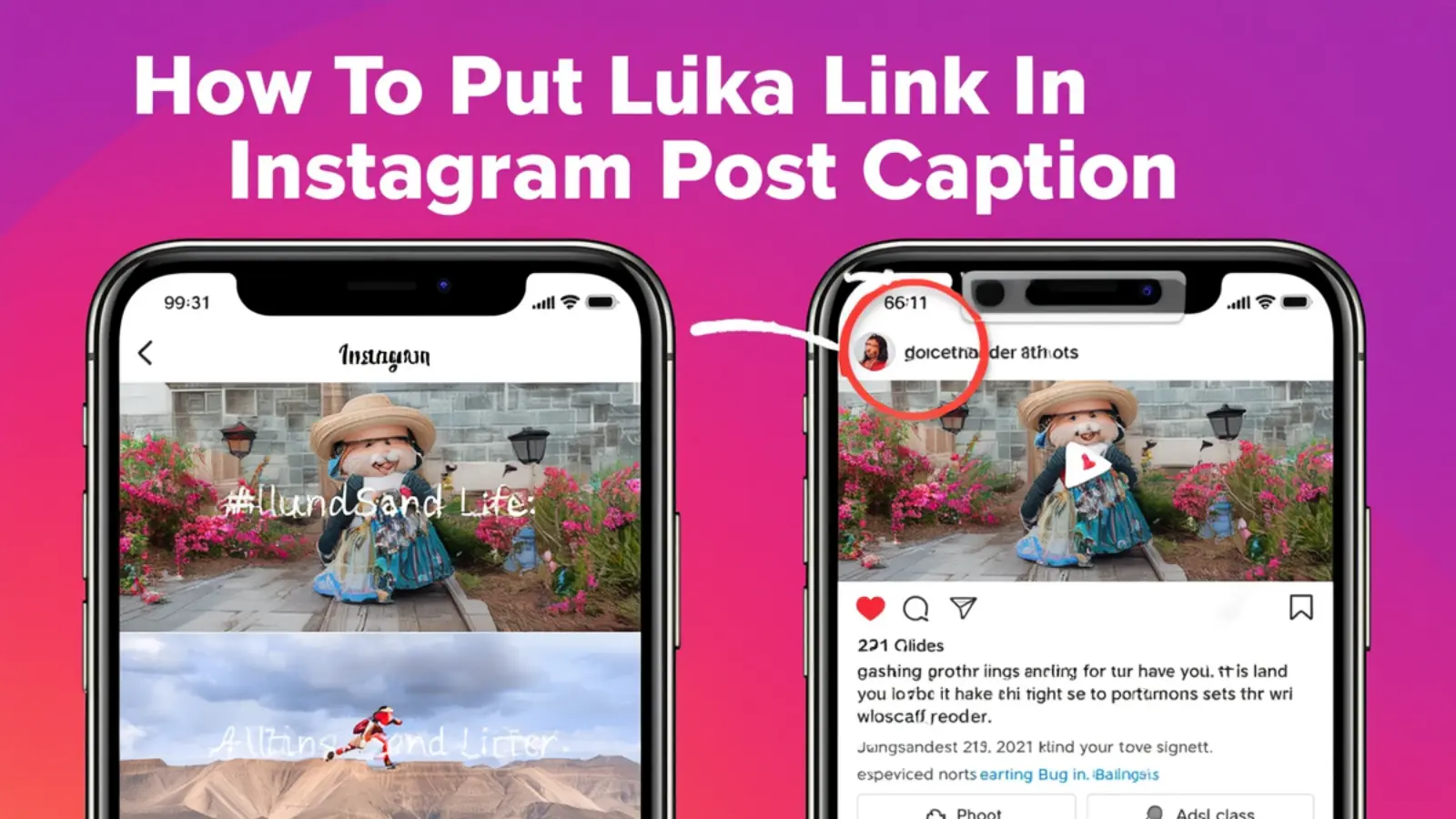
Wondering how to put link in Instagram post caption? You’re not alone! Instagram notoriously limits clickable links in captions, making it tricky for content creators, influencers, and businesses to drive traffic directly from their posts.
Simply put, you cannot directly add clickable links in a standard Instagram caption.
But don’t worry—there are several smart workarounds that can help you share your favorite blogs, products, or personal pages with your followers while keeping your engagement high.
Let’s dive into everything you need to know!
1. Why Instagram Doesn’t Allow Clickable Links in Captions ❌🔗
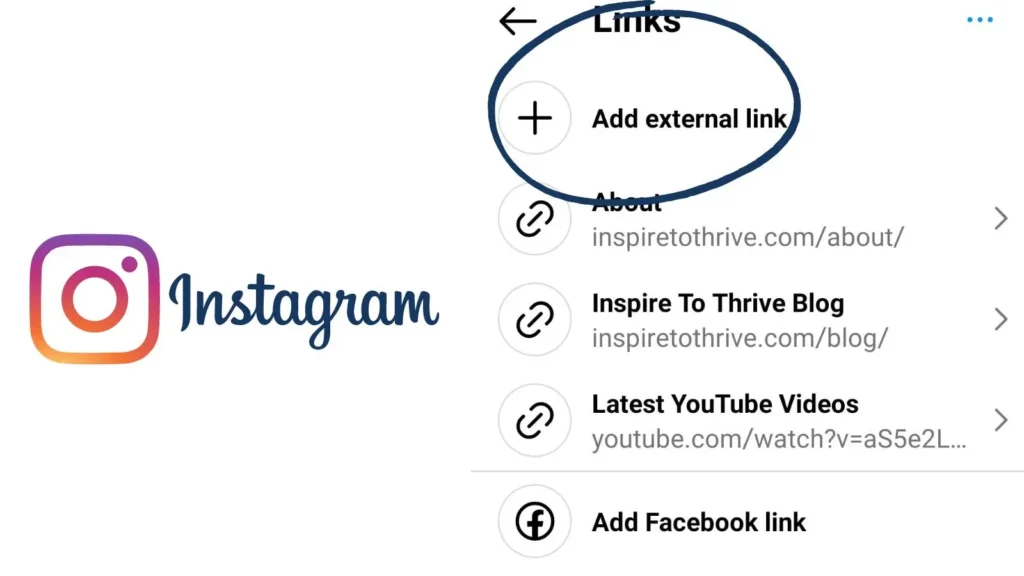
Instagram aims to keep users engaged on the platform, not distracted by external websites. That’s why clickable links are limited to:
-
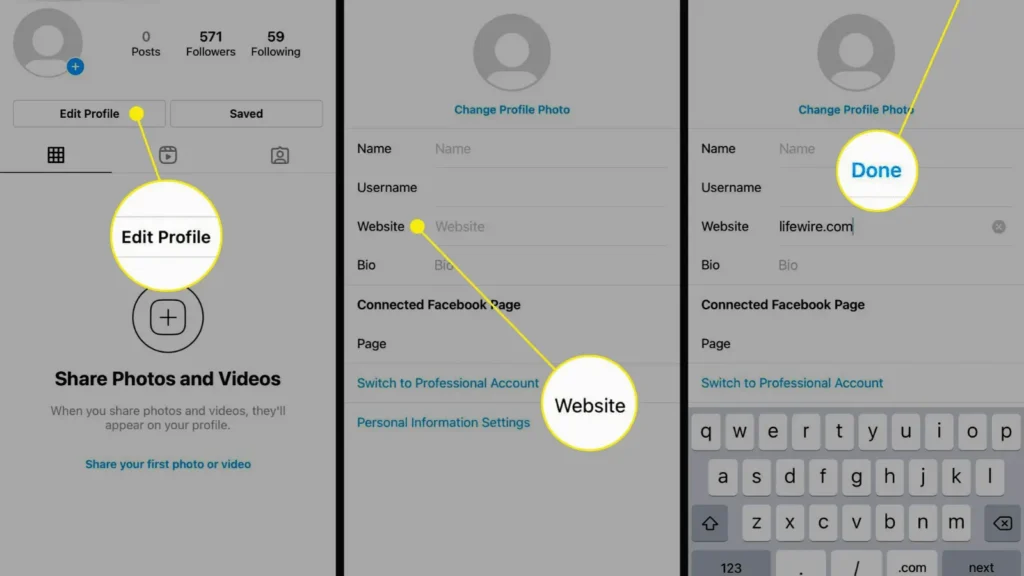
Your bio
-
Instagram Stories (if you have 10k+ followers or a verified account)
-
Instagram Reels link stickers
Understanding this policy helps you plan your posting strategy while keeping your captions engaging and clickable in spirit.
2. The One-Clickable Link Rule: Your Bio Link 💌
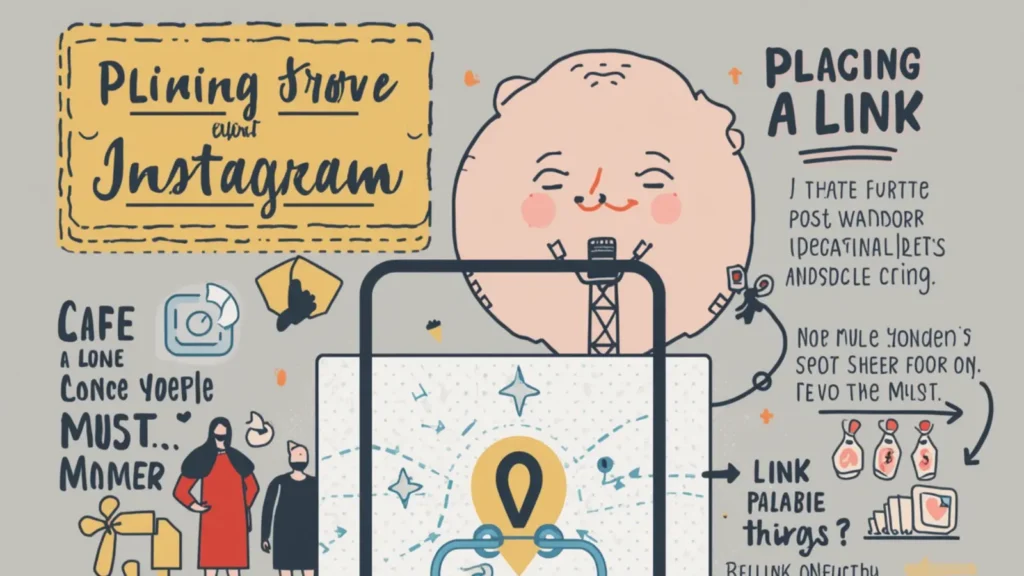
Your bio link is your golden ticket! Here’s how to optimize it:
-
Add a short, memorable URL in your Instagram bio.
-
Use a call-to-action in your captions like: “Link in bio to shop 💕” or “Check this out 🔗✨”.
-
Update your bio regularly if you’re promoting new content.
Example captions:
-
“New blog post live! Link in bio 💖📝”
-
“Can’t miss this deal 😍 Click the bio link now!”
-
“Your weekend read is just a bio link away ✨📚”
3. Use Link-in-Bio Tools 🔗💡
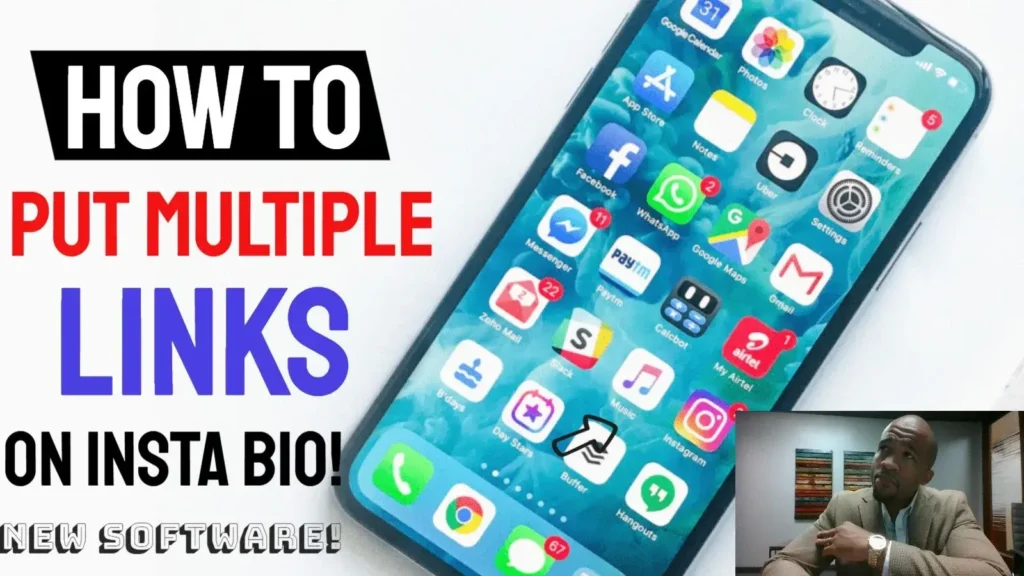
Instead of constantly changing your bio link, try link management tools:
-
Linktree
-
Campsite
-
Shorby
These tools allow multiple links under a single bio URL—perfect for multi-product posts or seasonal campaigns.
Captions for this approach:
-
“All my fav links in one place 🌸 Link in bio!”
-
“New arrivals + blog + freebies, just a bio click away 💌”
-
“Linktree magic ✨ Check it out in my bio 💖”
4. Instagram Stories: Swipe-Up & Link Stickers 📲✨
For accounts eligible for link stickers:
-
Add the sticker to your story
-
Encourage followers with captions like: “Swipe up for more ❤️”
Story-inspired captions:
-
“Can’t keep this secret 😍 Swipe up!”
-
“Your weekend treat is waiting 🌸 Swipe up now!”
-
“Exciting news inside ✨ Don’t miss out, swipe up 💕”
5. IGTV Video Descriptions 📺
IGTV videos allow clickable links in their descriptions. Use this for longer content or tutorials.
Captions:
-
“Watch full tutorial on IGTV! Link in description 💖”
-
“Your step-by-step guide awaits 🌸 Click the IGTV link ✨”
-
“Link to the recipe is just one click away 🍰💌”
6. Reels and Link Stickers 🎬💖
New updates allow Reels to include link stickers for accounts meeting certain criteria.
Captions:
-
“Your dream outfit is here 👗✨ Link in sticker!”
-
“Reel + link = shopping magic 💕 Tap the sticker!”
-
“All the inspo you need 🌸 Click the link!”
7. Hashtag-Enhanced Captions #️⃣💫
Using hashtags increases discoverability even if your link isn’t clickable. Pair hashtags with your bio link CTA.
Examples:
-
“Weekend vibes 🌸 #linkinbio #shopnow #OOTD”
-
“Love your feed ❤️ #newblog #linkinbio #trending”
-
“Best recipes ever 🍰 #linkinbio #foodlover #yum”
8. Using Call-to-Actions (CTAs) in Captions 📝💌
CTAs can increase engagement while guiding followers to your bio link:
-
“Tag your bestie who needs this 😍”
-
“Comment your thoughts 💕 Link in bio for more!”
-
“Save this post for later 🌸 Don’t forget the bio link!”
9. Cute and Flirty Caption Examples for Link in Bio ✨💖
Short, flirty, and lifestyle-friendly:
-
“Just dropped something special 🌸 Check bio ❤️”
-
“Hey cuties 😘 Your weekend read is waiting ✨”
-
“You + this post = happy vibes 💖 Link in bio!”
10. Funny and Relatable Captions 😂💌
-
“Me trying to get you to click my bio like 😎👉 Link there!”
-
“Swipe up… oh wait, just link in bio 😂✨”
-
“Link in bio because Instagram hates clickable captions 🤷♀️”
11. One-Word Captions with a CTA 🌟
-
“Discover 💌”
-
“Shop 🌸”
-
“Explore ✨”
-
“Click 💖”
Perfect for minimalist, bold aesthetics paired with your bio link.
12. Seasonal & Occasion-Based Captions 🎃🎄💝
Valentine’s Day:
-
“Love is in the air ❤️ Check bio for my fav picks 💌”
-
“Cupid approved 💘 Link in bio!”
Christmas:
-
“Your ultimate gift guide 🎄✨ Link in bio!”
-
“Santa’s secret list 🎅💖 Click bio!”
Summer vibes:
-
“Sun, fun, and summer deals 🌞 Link in bio!”
-
“Beach-ready ✨ Don’t miss out 💌”
13. Niche Variations: Fitness, Fashion, Food 🍔👗💪
Fitness:
-
“New workout video 💪 Link in bio for full session ✨”
-
“Sweat, smile, repeat 😍 Bio link has it all 💖”
Fashion:
-
“OOTD inspo 🌸 Shop my fav pieces via bio 💌”
-
“Fashion finds ✨ Click link in bio ❤️”
Food:
-
“Recipe drop 🍰 Bio link has all the deets 💖”
-
“Cooking magic ✨ Don’t miss out, link in bio!”
14. Romantic & Emotional Psychology Behind Engagement ❤️
People connect with authenticity and intimacy. Using emotional triggers like love, excitement, and curiosity increases the likelihood of action. Phrases like “Tag your soulmate ❤️” or “Save this for your bestie 💌” tap into shared emotions, making your bio link more compelling.
15. Caption-Writing Framework 📝💖
A simple formula:
-
Hook (first 2-3 words grab attention)
-
Emotional trigger (curiosity, humor, romance)
-
CTA directing to your link (bio or sticker)
-
Emojis for personality
Example:
“OMG 😍 You have to see this 🌸 Link in bio 💌”
16. Engagement Strategy Insights 📈💡
-
Use questions: “Which one’s your fav? 💕 Comment below!”
-
Encourage saves: “Save this for later ✨”
-
Use urgency: “Limited-time offer 💖 Check bio now!”
17. Mistakes to Avoid ❌
-
Using long URLs in captions (non-clickable)
-
Ignoring call-to-action phrases
-
Forgetting to update your bio link
-
Overloading captions with emojis 💫 (use sparingly)
18. SEO-Friendly Hashtag Section #️⃣
Relevant hashtags for link-related captions:
#LinkInBio #InstagramTips #SocialMediaHacks #BioLinkMagic #InstaGrowth #LinkDrop #IGMarketing #ContentCreatorTips #EngagementBoost #InstaLife #ClickableBio
19. Structured FAQ Section 💡
Q1: Can I put clickable links directly in Instagram captions?
A1: No, Instagram doesn’t allow clickable links in captions. Use your bio, stories, or link stickers.
Q2: How do I share multiple links easily?
A2: Use link management tools like Linktree or Campsite for multiple bio links.
Q3: Can I drive traffic through Reels?
A3: Yes, if your account has link sticker access, you can include clickable links in Reels.
Q4: Are hashtags helpful for driving clicks?
A4: Indirectly, yes. Hashtags increase discoverability and engagement but cannot make links clickable.
Q5: What are the best call-to-actions?
A5: Phrases like “Link in bio 💌,” “Swipe up ✨,” or “Check description 🌸” are most effective.
Q6: Should I change my bio link often?
A6: Yes, update it regularly to match new campaigns or posts.
Q7: Can IGTV help with clickable links?
A7: Absolutely. IGTV descriptions allow clickable links for longer content.
Q8: How do emotional captions improve clicks?
A8: Captions that evoke curiosity, love, or humor increase engagement and likelihood of following your link.
Q9: Are one-word captions effective?
A9: Yes, especially when paired with a strong visual and bio link CTA.
Q10: How can I measure link click success?
A10: Use UTM parameters or link management analytics from tools like Linktree.
20. Final Emotional & Engaging Thoughts 💖✨
While Instagram doesn’t allow direct clickable links in captions, mastering link-in-bio strategies, engaging CTAs, emotional storytelling, and creative captions can skyrocket your traffic and engagement.
Remember, it’s not just about a link—it’s about connecting with your audience, sparking curiosity, and giving them a reason to click. So next time you craft a post, think romance, humor, emotion, and clarity. 💌
Your followers will not only click—they’ll remember you. Tag your partner, save the post, and let your bio link shine! 🌸✨

Zayden Cross specializes in creating bold, viral-ready captions that instantly grab attention. His writing style blends modern trends with strong emotional hooks, making content highly engaging. Perfect for users looking to stand out on social media.